
Shyft Score
Directory quality rating
55/100
Active
Found in 1 source
Our take
The verdict on Dayflow
AI-generated
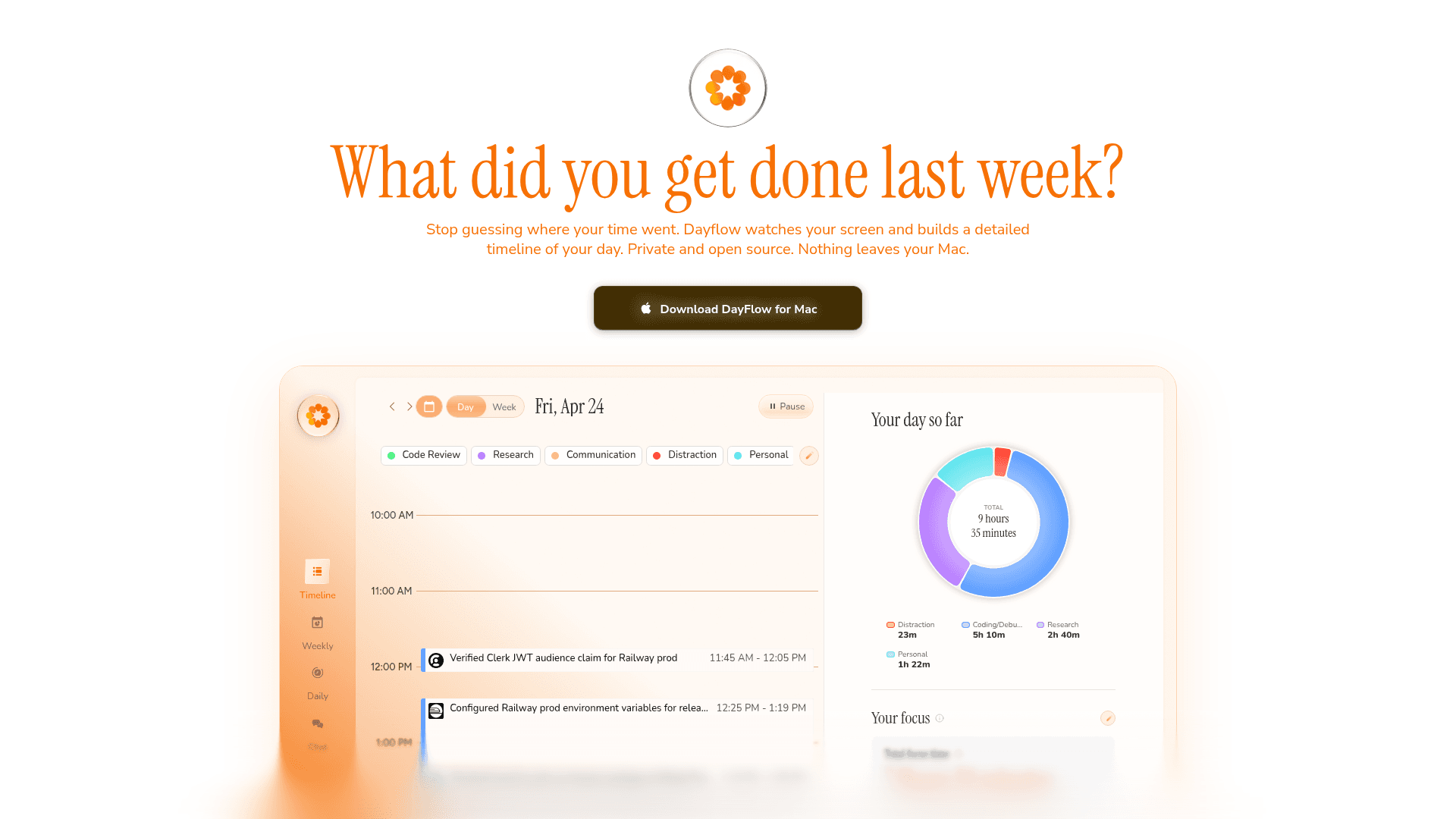
Dayflow automatically logs work activities, providing detailed records without manual effort.
Strengths
- Automatic activity logging
- Detailed records
- Free tier available
Limitations
- Consumer-focused
- No AI agent support
- Pricing unclear
Best for: Individuals or small teams needing automated work activity logging.
Try Dayflow's free tier to see if it fits your workflow.
See how Dayflow fits your stackBenefits
Why teams choose Dayflow
Eliminate manual time tracking and focus on actual work
Get accurate project reports without remembering what you did
Stop losing billable hours due to forgotten activities
Reduce administrative overhead with automated activity logging
About
What is Dayflow?
Dayflow automatically logs work activities. It tracks time on tasks, generates activity reports, and integrates with project management tools. Features include detailed reporting, analytics, and customizable logging options.
Key capabilities
Automatic activity tracking
Detailed reporting and analytics
Integration with project management tools
Customizable logging options
User-friendly dashboard
At a glance
Category
productivity
Department
Operations
Pricing
Freemium (from $0/mo)
GitHub stars
7.1k
Website
dayflow.so
Use cases
What you can do with Dayflow
Tracking time spent on tasks automatically
Generating reports on work activities
Categorizing tasks for better organization
Integrating with other productivity tools
Best for
FreelancersSmall business ownersRemote teams
Pricing
Dayflow pricing
Dayflow starts at $0/mo
Starting at $0/mo
Pricing and product details are aggregated from publicly available sources, may be outdated or inaccurate, and are not sourced from or endorsed by the vendor. Verify directly with the vendor before relying on this information. Terms
FAQs
Frequently asked questions
Common questions about Dayflow and its capabilities
Dayflow automatically tracks your work activities including time spent on applications, websites, and projects. It provides detailed reporting and analytics, integrates with project management tools, and offers customizable logging options through a user-friendly dashboard.
Need help automating Dayflow?
Our team can help you integrate Dayflow with your existing tools and build custom automation workflows.
No commitment requiredResponse within 24h
Get weekly AI tool updates
Pulse delivers operations-specific AI insights every week. Free.
Explore
Discover more
Alternatives, related tools, and resources for Dayflow
Related Resources
Browse by Category
Related Tools
Tools related to Dayflow

Memtime
Automatic time tracking for enhanced productivity and privacy.
productivity

timr
Time tracking with mobile and web apps, GDPR-compliant
productivity

RescueTime
Automatic time tracking and productivity insights
productivity

Sunsama
Plan your day with confidence
productivity

Acreom
Open-source second brain for developers
productivity

Roam Research
Networked note-taking with bidirectional linking
productivity
Using Dayflow? See how your stack compares.
Our free scan analyzes your website, detects your tools, and shows gaps in your AI readiness.
Take free scan →